Photo Sharing for Events That Guests Will Use
Make event photo sharing simple, private, and memorable with one polished place for invitations, RSVPs, guestbook notes, and shared photos.
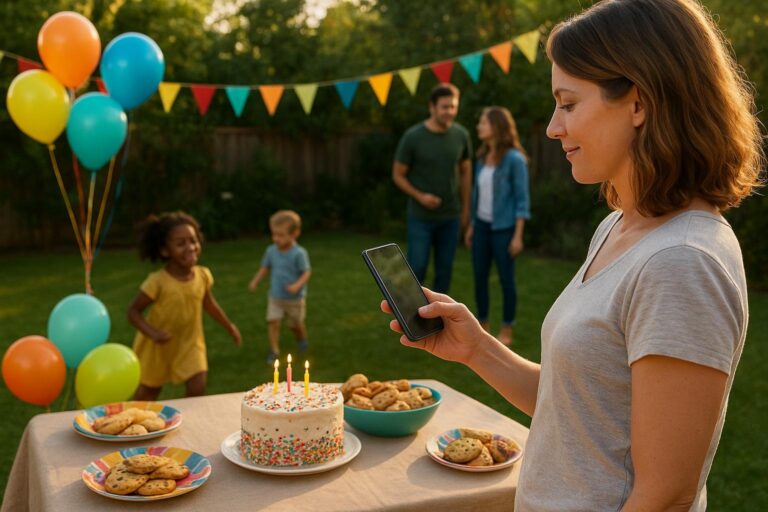
Every host knows the feeling: the party was wonderful, the photos are everywhere, and somehow the best ones are on someone else’s phone. Your sister has the candle-blowing shot. A neighbor captured the toddlers dancing. Your friend took the only photo of the grandparents laughing together. Two weeks later, you are still texting, reminding, downloading, and trying to remember who posted what.
That is why photo sharing for events works best when it is planned before the first guest arrives. Not in a complicated, formal way. Just in a simple, obvious way that guests can understand in seconds.
For modern birthdays, graduations, reunions, baby showers, holiday parties, team celebrations, and milestone dinners, the goal is not just to collect more photos. The goal is to gather the story of the event from every point of view, without turning the host into a post-party project manager.
Moments was built for that exact kind of gathering: one polished event page for the invitation, RSVP, guestbook, photos, and the details people keep asking for. Instead of sending one link for the invite, another for the album, and another text thread for updates, you can create a central place guests actually know how to use. Start from the Moments home page or browse event templates when you want a faster launch.
Why event photos get lost after real gatherings
Most event photo problems are not caused by careless guests. They are caused by scattered systems. People take photos naturally, but they do not always know where to put them afterward. A host might mention a shared album in passing, another guest starts a group text, someone posts a few images on social media, and a cousin sends a batch by email three days later.
That patchwork can work for a tiny dinner. It breaks down quickly when the group includes grandparents, busy parents, coworkers, friends of friends, or anyone who does not want to download another app just to upload a few pictures.
The most common breakdowns look like this:
- The photo link arrives too late. Guests are motivated during the event, not a week later.
- The album feels separate from the invitation. People remember the event page, but not a random storage folder.
- The host has to chase people individually. Every reminder adds another task after an already busy day.
- Photos live in public feeds instead of a private event photo album. Some families want memories shared only with invited people.
- Older or less tech-comfortable guests are unsure what to do. If the process is not obvious, they skip it.
- Important context disappears. A photo without a note, name, or memory may be sweet, but a guestbook message can make it meaningful years later.
Good event photo sharing is less about storage and more about timing, trust, and clarity. Guests need to know where to go, what to do, and why it matters.
What guests need before they will share photos
Guests do not want a complicated workflow. They want a low-friction way to participate while they are already smiling, chatting, and holding their phone. If you want more people to contribute, design the moment around their real behavior.
They need one clear destination
A single event page is easier to remember than a bundle of separate links. If the same page holds the invitation, RSVP, directions, schedule, guestbook, and photo sharing area, guests learn that the page is the home base for the celebration. That matters before the event, during it, and after it.
For example, a parent hosting a first birthday can send the Moments page with the invite. Guests RSVP there, check the start time there, and return there to add photos from the cake table. Nobody has to search through a month-old text chain for the album link.
They need reassurance about privacy
Many hosts are more thoughtful about privacy now, especially when children, school friends, elder relatives, or sensitive family situations are involved. A private event photo album gives people a more comfortable option than public posting. It also helps the host set the tone: these are shared memories for invited guests, not content for the whole internet.
That is especially useful for kids’ parties, family reunions, memorial gatherings, adoption celebrations, and community events where not every guest knows every other guest well.
They need the prompt at the right time
If you mention photo sharing only after the event, you will miss the easiest window. Instead, introduce it in the invitation, mention it in a short welcome note, and remind guests near the most photo-worthy parts of the day.
For a graduation brunch, that might mean asking guests to add photos after the toast. For a milestone birthday, it might be right before the slideshow or cake. For a neighborhood block party, it might be a small sign near the food table that points people back to the event page.
They need a reason beyond uploading
People are more likely to contribute when they feel part of the memory-making. Instead of saying, “Upload your photos,” try a warmer prompt: “Add your favorite candid moment,” “Share the photo you hope we remember,” or “Leave a note with your picture for the guestbook.”
This is where an online guestbook and photo sharing work beautifully together. A picture captures what happened. A message captures why it mattered.
A simple photo-sharing plan for your next event
You do not need a giant planning system to make this work. You need a practical sequence that fits the way people actually attend gatherings.
Step 1: Build the event page before sending the invite
Start with the basics: date, time, location, host name, RSVP deadline, parking notes, food information, gift preferences if relevant, and any accessibility details. Then add a short note that photos and memories will be collected on the same page.
This turns your event page into more than an announcement. It becomes the source of truth. If you are comparing a party planning app, a free event invitation website, or separate digital invitations with RSVP, look closely at whether the tool also supports the memory side of the event. The best setup does not stop once guests say yes.
Step 2: Make the invitation feel personal
A polished page helps guests understand the tone of the gathering. A backyard birthday, a retirement dinner, a casual school-year celebration, and a 50th anniversary should not feel identical. Use a template, color, photo, or message that tells people what kind of moment they are being invited into.
For a child’s birthday, the note might be playful and clear: “Come ready for snacks, bubbles, and backyard chaos. We’ll collect photos on this page so everyone can enjoy the best moments later.”
For a family reunion, it may be more heartfelt: “We’re gathering four generations in one place. Please add photos and memories throughout the weekend so we can save the day from every angle.”
Step 3: Put the link where guests will need it
Send the event page by text, email, or group message depending on your crowd. Then keep it visible. If you are hosting at home, you can add a small printed note near the entry, dessert table, or guestbook area. If your event is at a venue, ask whether you can place a simple sign near the check-in spot.
The wording can be casual: “Add your photos and notes to the event page.” The point is to reduce the number of decisions guests have to make.
Step 4: Pair photo sharing with the guestbook
Photos are powerful, but guestbook notes bring texture. Ask guests to leave a quick message with a memory, wish, or inside joke. This works especially well for milestone birthdays, baby showers, retirements, graduations, and farewell parties.
Imagine a 70th birthday where cousins upload photos from different tables and add short notes about favorite family stories. Or a baby shower where long-distance relatives RSVP, send love, and later see the photos in one place. The event becomes more than a date on the calendar. It becomes a shared keepsake.
Step 5: Send one thoughtful follow-up
After the event, send a short thank-you with the same link. Keep it warm and specific: “Thank you for making Saturday so special. If you took photos, please add them to the page by Friday so we can save everyone’s favorites together.”
A clear deadline helps guests act. It also gives you permission to stop chasing photos indefinitely.
How this works for different kinds of gatherings
The best photo-sharing setup is flexible. It should feel just as useful for a cousin’s baby sprinkle as it does for a big birthday or community potluck. Here are a few real-life examples.
For kids’ birthdays
Parents are usually too busy hosting to capture everything. They are cutting cake, finding napkins, managing activities, answering the door, and helping a child enjoy the day. Guest photos fill in the missing scenes: the craft table, the first bite of cupcake, the friend group on the trampoline, the grandparent reading in the corner.
Use the event page to give parents practical details before the party, collect RSVPs, and invite everyone to add photos afterward. A private sharing space can also feel more appropriate than asking parents to post pictures of other people’s children publicly.
For graduations and school milestones
Graduation events often include family, friends, teachers, neighbors, and classmates. Not everyone knows each other, but everyone has a different view of the day. One person captures the cap toss. Another gets the hug from a grandparent. Someone else photographs the decorated dessert table before it disappears.
Moments helps keep the invitation, attendance, schedule, and memories together so the graduate has one place to revisit the celebration.
For family reunions
Reunions create a beautiful photo challenge: lots of people, lots of small moments, and no single photographer everywhere at once. A shared page can collect candid pictures, group shots, recipe-table photos, old-photo recreations, and guestbook notes from relatives who want to preserve family stories.
For multi-day gatherings, you can remind guests each evening to add their favorites. By the end, the album reflects the whole weekend instead of only the formal group photo.
For milestone birthdays and anniversaries
Milestone events deserve more than a camera roll dump. Combine photos with messages so the guest of honor receives a fuller picture of how loved they are. Ask guests to share a favorite memory, a toast, or one photo that captures the person well.
This is also helpful when guests cannot attend. They can still interact with the event page, RSVP accordingly, and leave a message that becomes part of the celebration.
For casual friend gatherings
Not every event needs to be formal to be worth remembering. A summer cookout, Friendsgiving, game night, or going-away dinner can still benefit from one link. The host avoids scattered texts, and guests have an easy way to share the funny, ordinary moments that are often the most memorable.
What to look for in an event photo-sharing tool
When choosing how to manage photo sharing for events, think beyond the upload button. The right tool should support the whole guest journey.
- Easy access: Guests should know where to go without digging through multiple messages.
- RSVP connection: The same place that gathers yes-or-no responses should help guests return for photos and details.
- Flexible invitations: Digital invitations with RSVP should feel polished enough to send proudly, whether the event is casual or formal.
- Guestbook support: Messages add emotional value that photos alone may miss.
- Privacy-minded sharing: Hosts should be able to create a more contained space for invited guests.
- Simple setup: The host should not need a long tutorial the night before the party.
- Templates: A strong starting point saves time and helps the page feel intentional.
If you want to see what kind of setup fits your next celebration, review Moments pricing or create your page through Moments sign-up. The natural conversion path is simple: choose a template, add your event details, send the link, collect RSVPs, and keep the memories in one place.
Small host habits that increase photo sharing
Even the best tool works better with a few thoughtful hosting habits. These do not take much time, but they can dramatically improve participation.
Ask two people to be memory starters
Before the event, ask a sibling, friend, or co-host to add the first few photos. Once guests see activity, they are more likely to join. This is especially helpful for mixed-age groups where some people wait for social permission.
Name the kinds of photos you want
Guests may assume you only want posed pictures. Tell them candid moments are welcome: decorations before the party starts, kids playing, the food table, group laughs, quiet conversations, and behind-the-scenes setup. These are often the photos hosts miss most.
Use the guestbook as a prompt
Try a specific question: “What should we remember about today?” or “What is your wish for the guest of honor?” Specific prompts get better responses than a blank field.
Thank contributors quickly
A simple thank-you message after the event encourages people to finish uploading. It also makes the shared album feel like a gift, not an assignment.
A better way to keep the day together
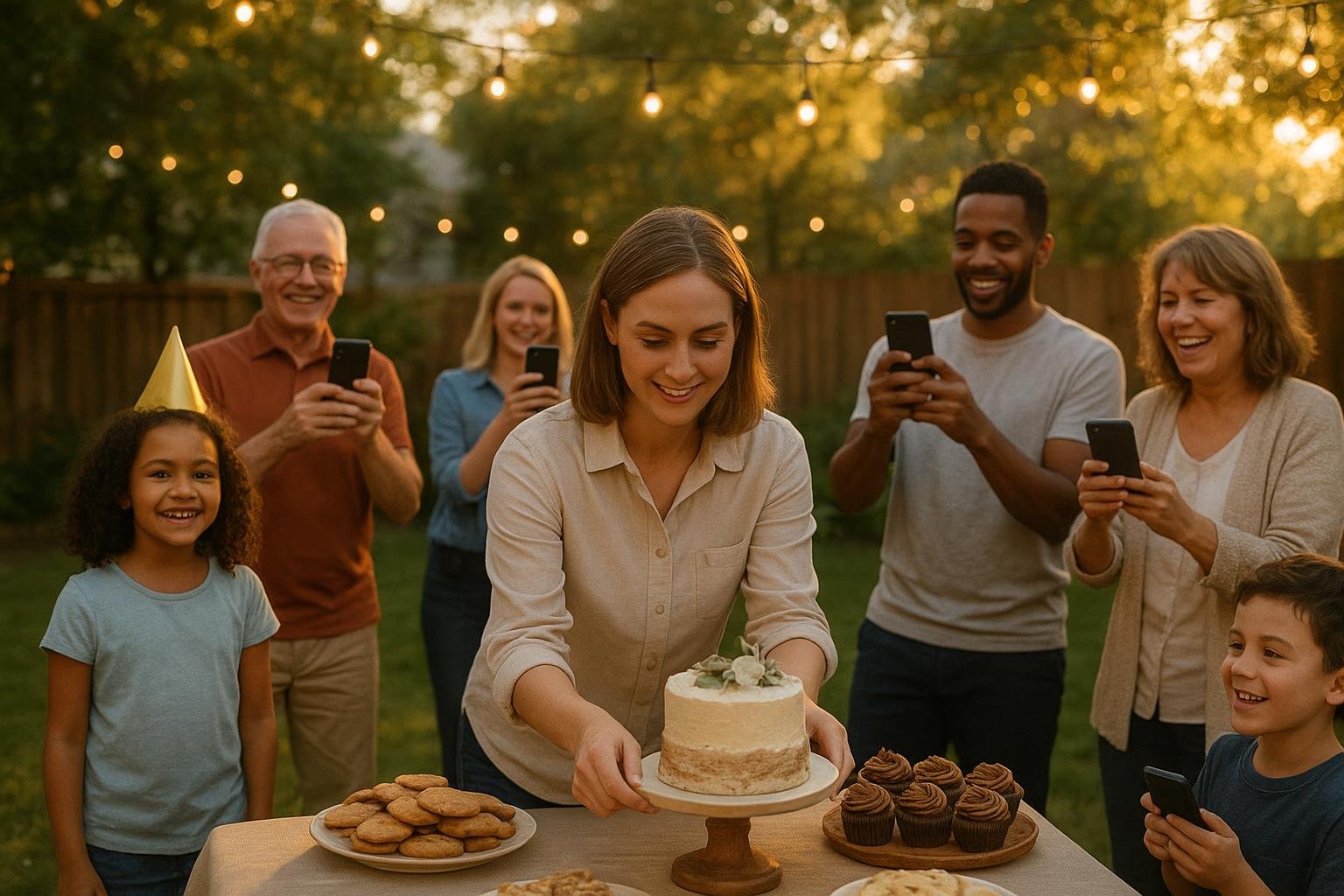
The real promise of photo sharing for events is not that you will have more files. It is that the people who were there can help preserve the feeling of the day. The host gets to be present. Guests get to contribute. The guest of honor gets memories from angles they never saw.
Moments brings the practical pieces together: event pages, RSVPs, guestbooks, photo sharing, invitations, and polished details for real-life gatherings. It is designed for parents planning birthdays, families organizing milestones, friends hosting casual celebrations, and groups that want less setup without making the event feel generic.
Instead of building your event across five separate tools, give guests one place to say yes, find the details, leave a note, and share the photos that matter. When the last plate is cleared and the balloons are drooping, you will not be chasing memories through old text threads. You will already know where they are.
Create one place for every event memory
Build a polished Moments page for invitations, RSVPs, guestbook notes, and photo sharing so guests know exactly where to go.
Frequently Asked Questions
What is the easiest way to collect photos from event guests?
The easiest approach is to set up one event page before the gathering and tell guests that photos, RSVP details, and guestbook notes all live there. Share the link with the invitation, remind guests during the event, and send one follow-up afterward.
Why use a private event photo album instead of a group text?
A private event photo album keeps memories organized in one place and avoids long, messy text threads. It is especially helpful for family events, children’s parties, reunions, and gatherings where not every photo should be posted publicly.
Can photo sharing work for small parties?
Yes. Small events often produce the most meaningful candid photos, but hosts are usually too busy to capture them all. A simple shared page helps guests add their favorite moments without making the party feel overplanned.
How do RSVPs and photo sharing work together?
When RSVPs and photo sharing are connected through one event page, guests know where to go before, during, and after the event. The same link that helps them respond can also help them find details, leave guestbook notes, and add photos.
What should I ask guests to upload?
Ask for candid moments, group shots, decorations, funny scenes, family photos, and anything they hope the host remembers. A clear prompt usually gets better participation than a general request to upload photos.